YouTube
YouTube is the biggest video-sharing platform where you can watch the latest video clips, and other informative content.

Safe & Secure
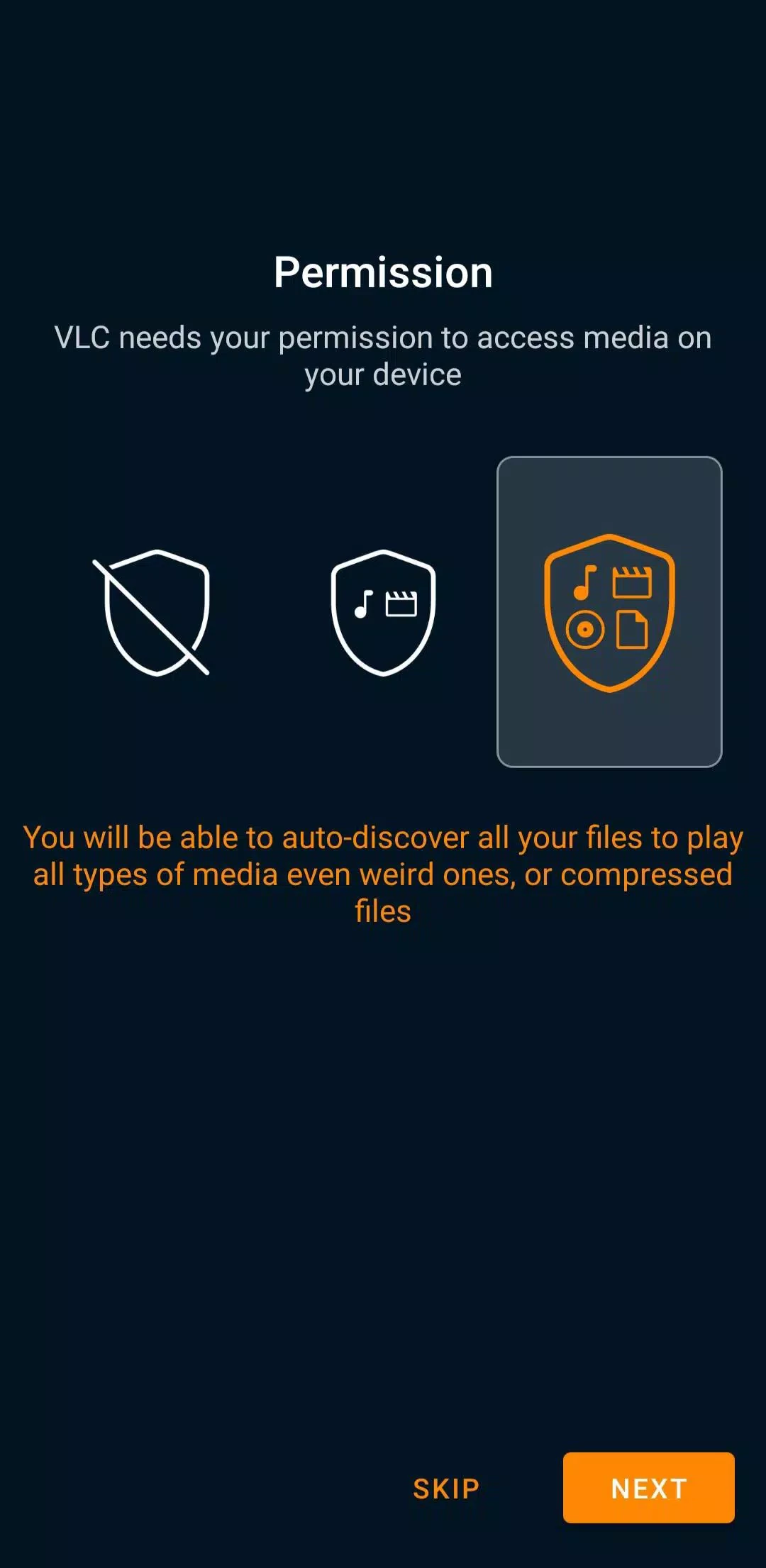
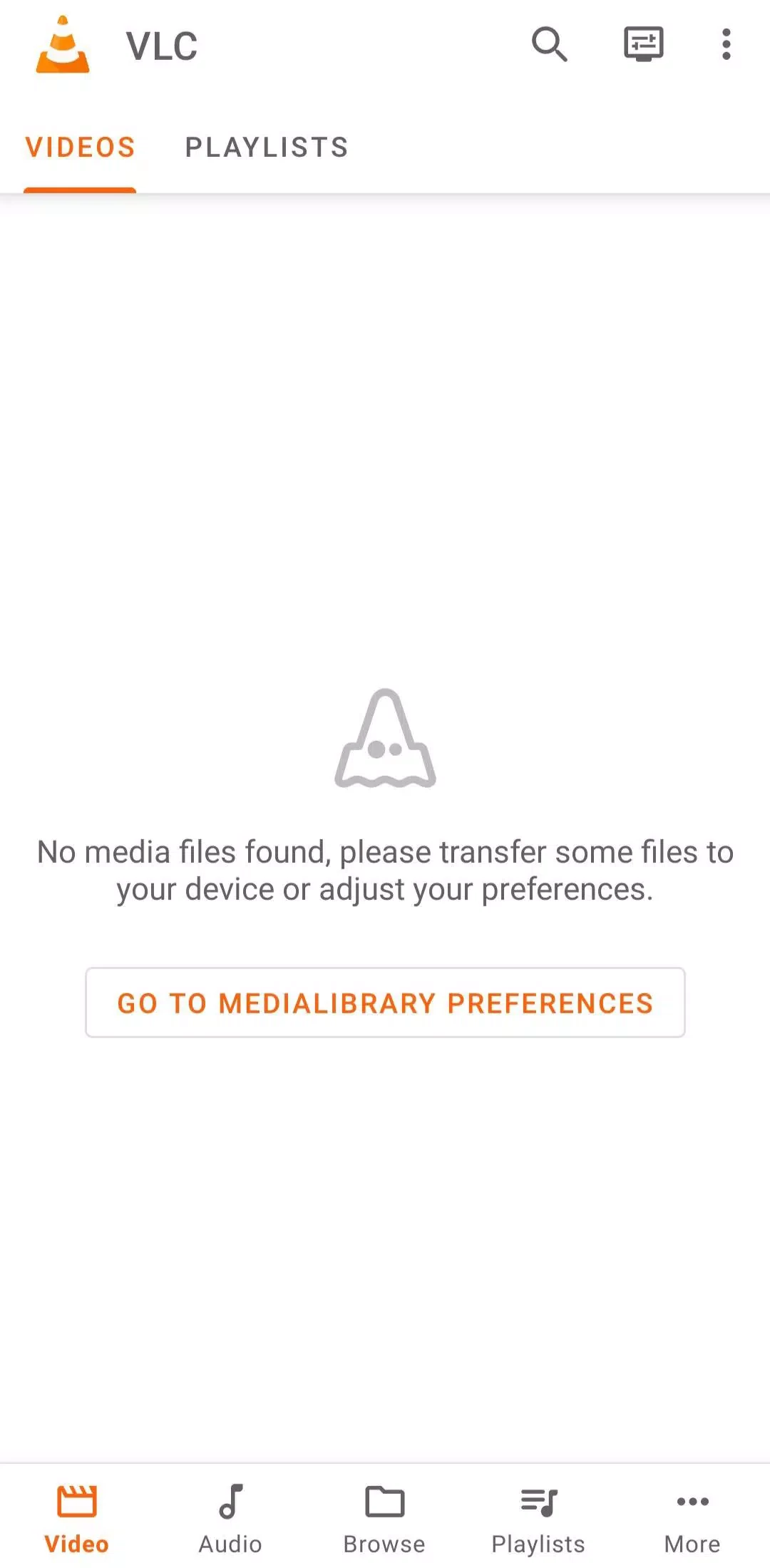
VLC Media Player for Android is a powerful multimedia player used by millions of people across the world. It is free to use, lightweight, and open-source utility that supports multiple codecs to enable users to play their favorite audio/video files more reliably. It is compatible with all popular digital devices.
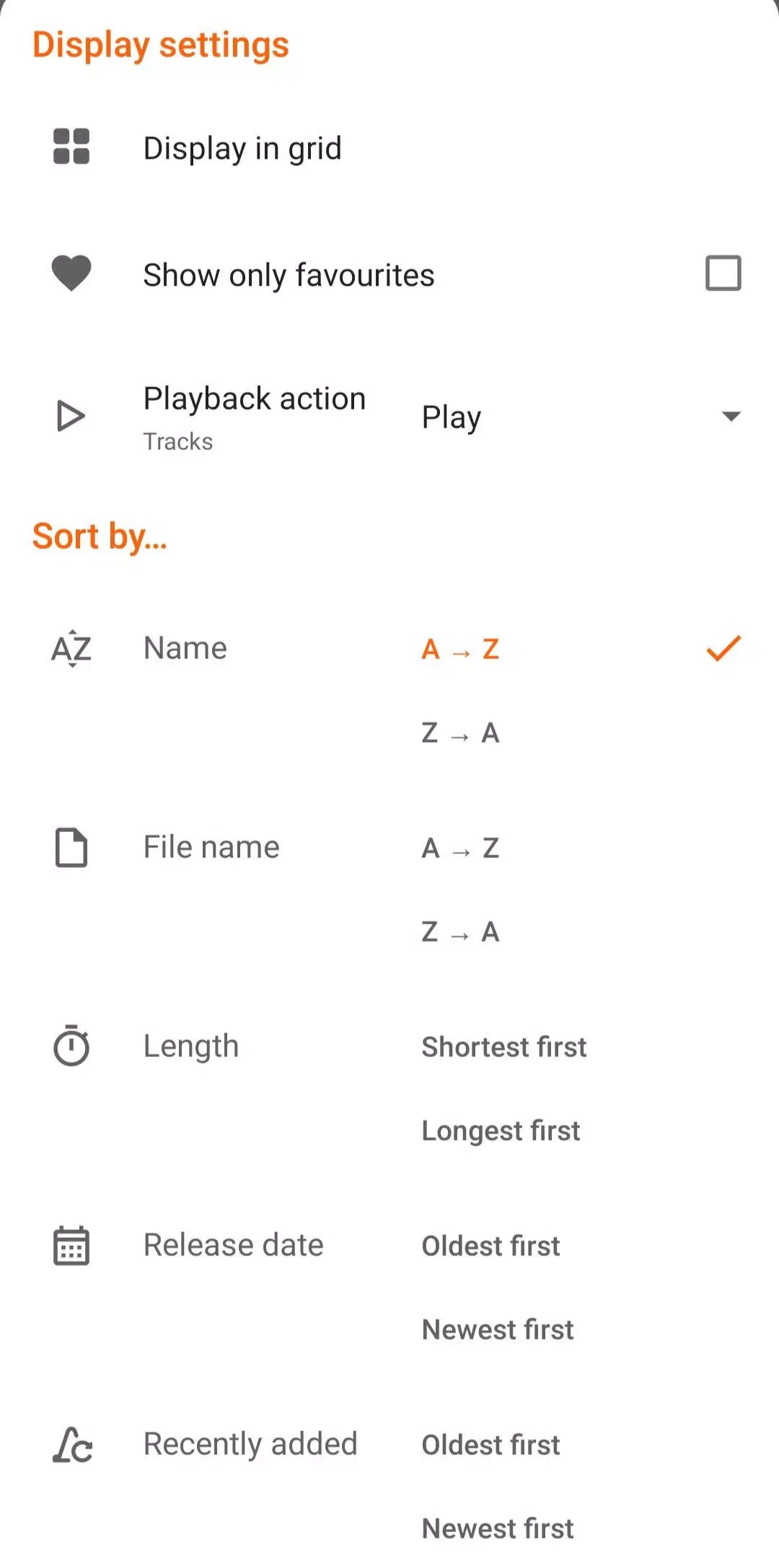
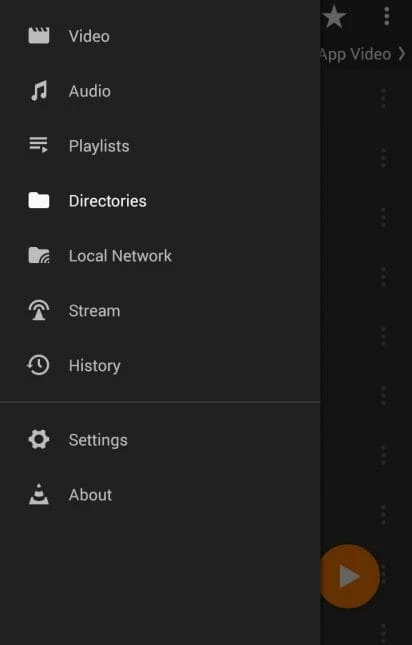
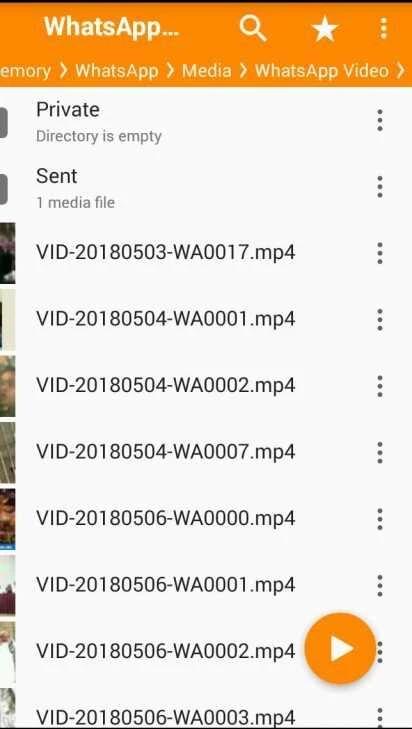
The app offers an exclusive sorting option for audio and video content, and also integration with the file explorer allows you to play your favorite content while directly moving to a folder. It changes the themes according to the system option automatically, or you can manually select dark or light mode.
VLC Media Player, developed by the VideoLAN project, helps to handle your local media as well as network sources. It offers reliable and free-to-use services without any requirement for in-app purchases. The open-source utility doesn’t support advertisements and offers fool-proof security while avoiding all types of tracking or third-party access.
The app, with a simple and customizable interface, offers services for various operating systems, including VLC for PC, iOS, Android, macOS, and so on. You will find multiple features such as PIP mode, audio-only playback, multi-format support, and so on.
The innovative support for multi-hardware decoding offers high-level functionality for multiple digital devices. It offers automated fallback on software decoding for efficient workflow while leveraging o-copy on the GPU. An extensive list of supported formats for videos, including MPEG-1/2, DivX, XviD, and audio formats, including MP3, AAC, and FLAC, is available. In addition, you also find MP4, MKV, AVI, MOV, OGG, TS, M2TS, Wv, and AAC, which help to avoid downloading of any extra components.
The app with standard playback also helps to manage a huge collection of input media and play direct stream URLS for YouTube. So, you will find support for UDP and RTP, unicast and multicast, HTTP, FTP, and also CD, DVB, and video acquisition. You can easily open network streams with adaptive formats, including HLS and DASH. Moreover, robust input format support is available, ranging from MPEG, AVI, and MKV to Real, FLV, and MIDI. The app is reliably useful for portable libraries as well as home servers to make possible the browsing of network shares and drives, and even to play DVD ISO images.
The robust media management capabilities offer a seamless experience of browsing your favorite audio/video content. It allows you to create folders, albums, artists, or genres, and helps to organize the audio/video files for the ease of users to access and play their desired content easily.
The app with full fledged audio player allows users to reliably control the entire process while offering a media library, convert art, and an audio widget. Moreover, you can manage the sound according to your preferences within a 10-band equalizer and audio filters. Simple playback management is backed by headset actions.
The app offers a fully customizable interface that allows users to set it according to their preferences. You can change the look and style of your player while downloading custom skins. It is also possible to create your own skin using the skin editor if you aren’t satisfied with premade options. No need of updating the app, as it allows the addition of new codecs to play new file formats.
The seamless synchronization for subtitles helps in accommodating formats including MicroDVD, SubRip, Kate, and closed captions. In this way, you will find accurate and consistent subtitle support for your favorite international media. You can adjust the subtitle delay for a flawless viewing experience. It is also possible to select embedded subtitles or load external subtitle files.
A built-in equalizer is available to customize the audio experience according to your preference. You will find innovative functionality such as a huge collection of presets, fine-tune the sound, enhanced bass, treble adjustment, custom profile creation, and a lot of others to enhance your listening experience.
As we aforementioned, the app offers an awesome experience of watching and listening to your favorite multimedia files, as there isn’t any frustration of facing unlimited advertisements, or the threat of user tracking. Instead, you will enjoy a completely clean and private experience without any intrusive material.
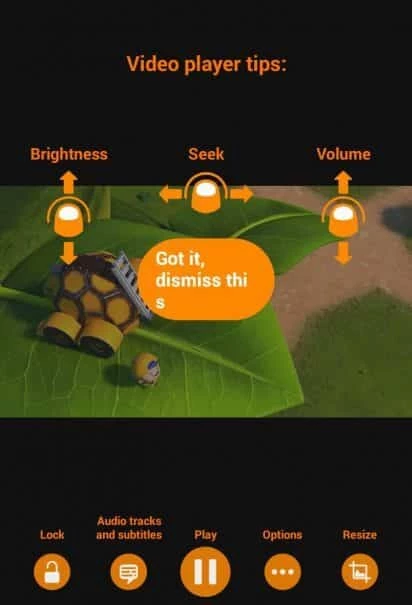
The support for gestures helps the users to control the player more reliably, such as using swipes or taps to manage volume, brightness, and so on. Moreover, accurately frame videos while using auto-rotation and aspect ratio. You can also use PIP mode to continue your entertainment and other important tasks simultaneously.
Pros
Cons

YouTube is the biggest video-sharing platform where you can watch the latest video clips, and other informative content.

CapCut specially designed for Android devices to edit high-quality short videos.

TikTok is the most popular video-sharing platform that offer short-form videos are delivered up to 60 seconds.

MX Player is a free video player, HW+ decoder option offers a lot of videos through hardware acceleration
TikTok Lite explores the world of short-form videos for free

Wink – Video Retouching Tool is a combination of multiple best and awesome tools, including support for AI technologies.